
BUYERS GUIDE | CAR STEREOS
A new car stereo can make it easier to get directions, see your backup camera, or play the music you want. It can also be the starting point for a bigger sound system. Start with three things: what fits your dash, what you’ll use every day, and what you want to keep from your factory setup. That makes the long list of features a lot easier to sort through.
What Fits Your Dash?
You’ll see the words receiver and head unit when you shop. Both refer to the stereo itself. DIN describes the size of the stereo body that fits into the dash. The screen you see can be bigger than the body behind it.
Single-DIN. The stereo body is about 2 inches tall. Think of a traditional radio with a row of buttons and a volume knob. Some larger floating screens also mount to a single-DIN body.
Double-DIN. The body is about 4 inches tall, which gives you more room for a touchscreen that sits within the dash.
Floating screen. The display sits in front of the dash and can extend beyond the stereo opening. A bigger screen is nice for reading maps, but check where it sits in relation to your vents, hazard button, and climate controls. Some models let you adjust the height, depth, or tilt.
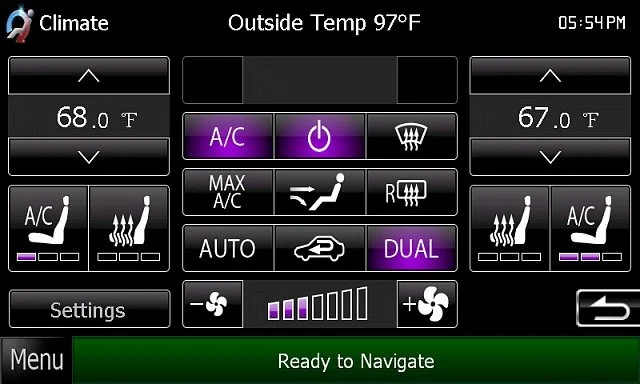
T-style. A tall, usually vertical touchscreen designed for a specific vehicle. It can replace a larger section of the dash and may move functions like climate control onto the screen. Ask which controls move and which factory features carry over.
Direct-fit factory replacement. Often called a direct OEM replacement, this is an aftermarket stereo shaped and trimmed for a specific vehicle so it looks at home in the dash. Confirm fit by year, make, model, and factory options, especially if your vehicle came with more than one screen or sound system.
Phone, Maps, and Radio Features
Apple CarPlay and Android Auto. CarPlay connects a compatible iPhone, and Android Auto connects a compatible Android phone. Both put supported apps for maps, music, calls, and messages on the stereo screen. If two people share the car and use different phones, look for a stereo that supports both. Apple CarPlay · Android Auto
Wired or wireless. Wired CarPlay and Android Auto use a USB cable. Wireless lets you leave your phone in your pocket or bag. Check wireless support for your phone platform on the exact stereo you’re considering. If you like to plug in on longer drives, check whether that model also supports a wired connection. Apple connection guide · Google compatibility guide
Built-in navigation. A stereo with its own GPS and stored maps can give you directions without a connected phone. If you rely on navigation in areas with spotty service, ask how the stereo’s maps are updated. Some phone apps also let you download maps ahead of time.
Bluetooth. A straightforward way to play music and take hands-free calls. If that’s how you use your stereo most of the time, Bluetooth may cover what you need.
Screen mirroring. This shows your phone’s screen on the stereo. Support varies by stereo and phone, including whether you can control the phone from the touchscreen. If there’s a specific app you want to display while parked, check that it works with your setup.
Voice control and app control. Voice control lets you ask for directions, make a call, or play music through a supported phone assistant. A manufacturer’s remote app works the other way around. It lets you use your phone to control things like the stereo’s source or playback, depending on the model.
SiriusXM satellite radio. If you listen to XM in your car today, look for SiriusXM-Ready. On an aftermarket stereo, that label means it can connect to a compatible satellite tuner. The tuner and subscription are typically separate, so ask what you’ll need to keep listening. SiriusXM vehicle tuner
HD Radio. This picks up digital broadcasts from participating local AM/FM stations, including extra channels like HD2 or HD3 where available. It’s free to listen with an HD Radio-equipped stereo. HD Radio FAQ
What the Audio Specs Mean
If you’re keeping your current speakers, start with how they’ll be powered and what sound adjustments the stereo gives you. If an amp or subwoofer is part of the plan, take a closer look at the outputs.
Built-in amplifier power. When the stereo powers your speakers directly, compare RMS watts per channel. That’s the continuous power rating and a better number to shop by than the peak wattage on the box. If your vehicle has a factory amplifier you’re keeping, ask how the new stereo will connect to it.
RCA outputs, also called preouts. These send audio to an external amplifier or powered subwoofer. Check how the outputs are labeled. Three pairs labeled front, rear, and subwoofer give you separate connections for each, which is handy if you plan to build out the system later.
RCA output voltage. A rating like 2V or 4V tells you how strong a signal the stereo can send to an external amp. The amp supplies the power to the speakers. If you’re adding an amp, the important part is matching the stereo’s output to the amp’s input range and setting it up correctly.
Lossless and Hi-Res audio. Lossless means the original audio data is preserved, as with formats like FLAC or ALAC. Hi-Res refers to audio resolution above CD quality. A file can be lossless at CD quality. If these features matter to you, check the formats the stereo supports and how it plays them. For example, support for Hi-Res files from a USB drive tells you what that USB input can do. Apple lossless audio guide · Japan Audio Society Hi-Res guide
24-bit DAC. A DAC converts digital music into an analog signal for the audio system. The 24-bit rating describes one part of that conversion. What you hear also depends on the source, speakers, and tuning, so use this spec alongside the rest of the system.
Graphic EQ and built-in DSP. A graphic equalizer gives you sliders for different parts of the sound, so you can bring up the bass or take the edge off sharp highs. A stereo with more advanced digital signal processing, or DSP, may add crossovers to send bass to the subwoofer and time alignment to help the music sound like it’s centered in front of you. If you want more control over how your system sounds, these are the tuning features to look for.
Other Features Worth Checking
Camera inputs. A rear camera input is useful if you’re adding or keeping a backup camera. Look for additional compatible inputs if you want a front or side camera. If your vehicle already has a factory camera or a 360-degree view, ask whether the new stereo can retain the views you use.
iDatalink Maestro compatibility. A compatible Maestro module helps the new stereo work with your vehicle’s electronics. Depending on the vehicle and stereo, it can help retain steering wheel controls or a factory amplifier, or let you see vehicle information on the new screen. Ask what’s supported on your exact vehicle and whether the module is included.
HDMI input and output. An HDMI input brings video from a compatible device into the stereo. An HDMI output can send supported video to another screen, such as a rear-seat monitor. If you have a particular device or video source in mind, check what the stereo supports.
USB ports. Check what each port does and where you’ll plug in. One might handle wired CarPlay, Android Auto, or music from a flash drive, while another might only charge your phone. If you want to keep using the USB port in your console, bring that up before choosing a stereo.
HD display. Screen size tells you how big the display is. Resolution, such as 1280 × 720, tells you how many pixels it has. If you’re comparing screens in person, look at how easy the map is to read from the driver’s seat and how the screen looks in bright light.
BUYERS GUIDE | INSTALLATION
We install everything from traditional single-DIN radios to double-DIN touchscreens and larger floating-screen stereos. We’ll help you find a stereo that fits your vehicle and figure out which factory features you can keep.
How We Install Your Stereo
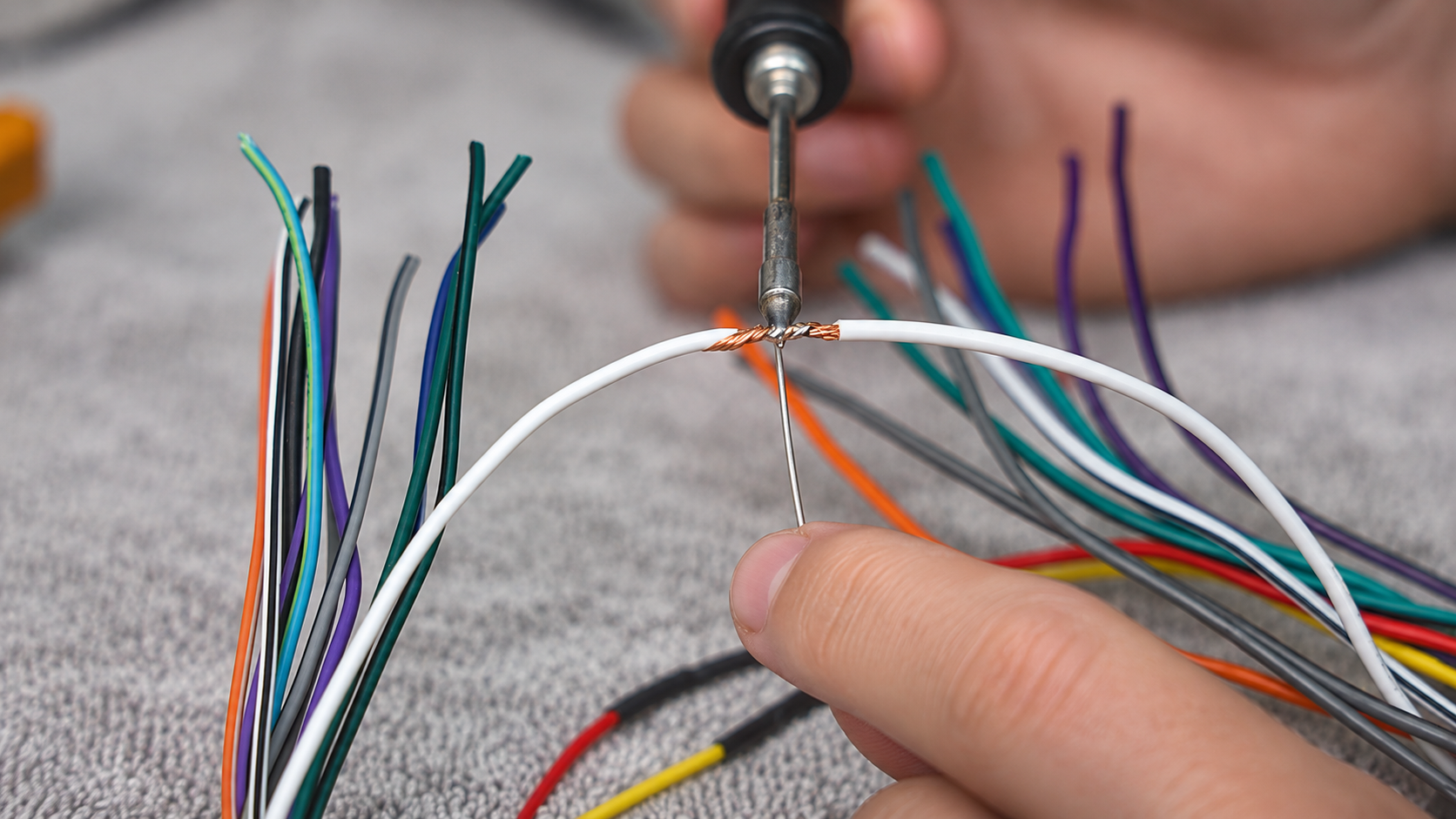
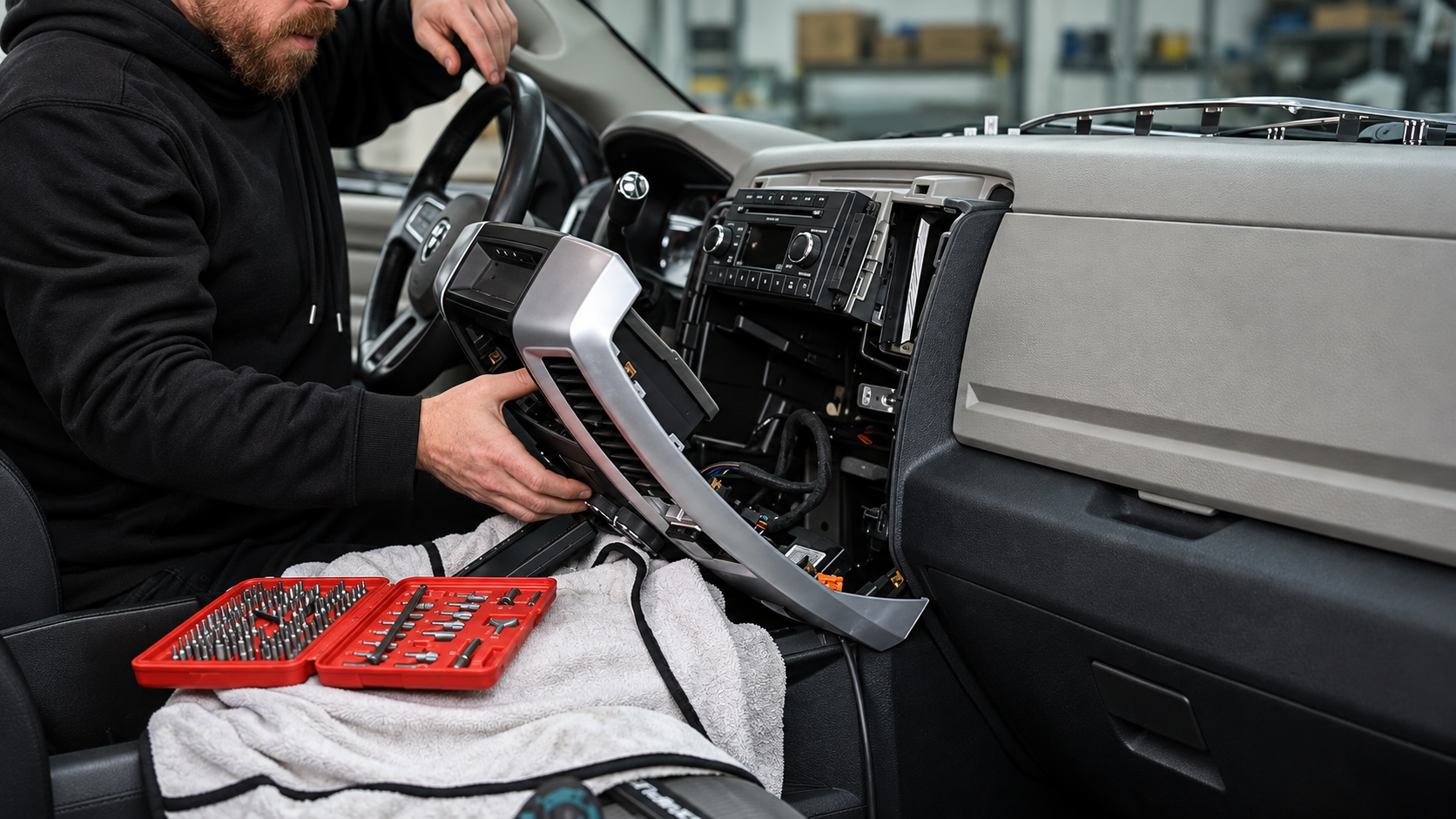
We start by looking at what we can use from your vehicle’s original setup. Whenever possible, we use factory mounting points and plug-in adapters so we can install your new stereo without cutting or splicing factory wiring or making permanent changes.
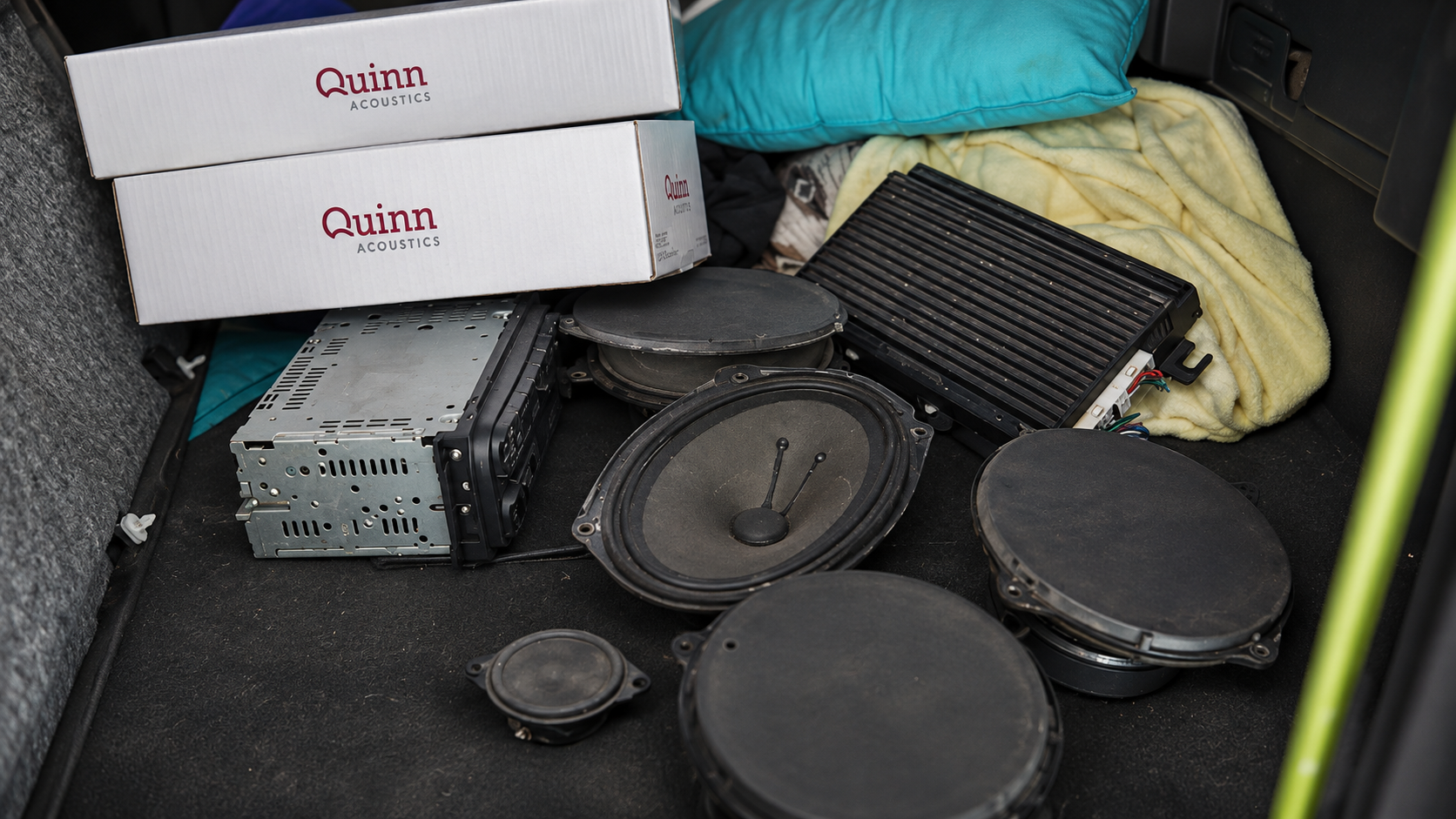
That comes in handy when it’s time to sell or trade in your vehicle. In most cases, we can put the factory radio back in. You may also be able to take your stereo with you and install it in your next vehicle, depending on what you drive. If we need to make a permanent change, we’ll talk it through with you and get your approval before making it.
The Parts That Make It Fit
The exact parts depend on your vehicle and the stereo you choose. These are three you’ll hear us talk about most often.
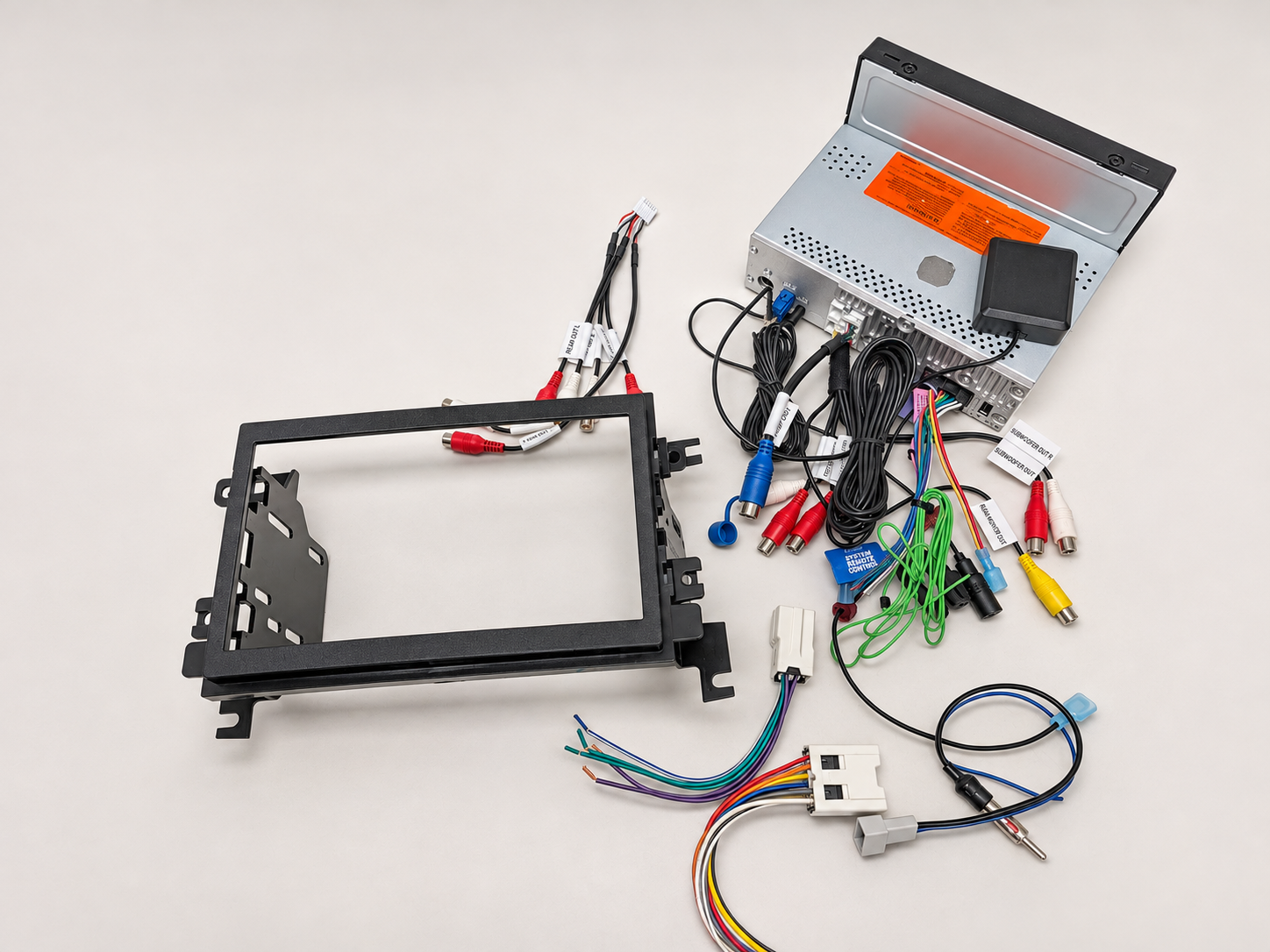
A dash kit holds your new stereo in place and helps it look at home in your dashboard.
A wiring harness connects the new stereo to the plug your factory radio used.
An antenna adapter lets the new stereo use your factory antenna to pick up AM/FM stations.
Keeping the Features You Already Use
Your factory radio may be tied into your steering wheel controls, backup camera, or even displays that show things like tire pressure. To keep those features working with your new stereo, we may need a digital interface. It’s a small module we program for your vehicle so the stereo can communicate with the systems already in your car. It can also help the new stereo work with your factory amplifier.
What Goes Into Your Installation
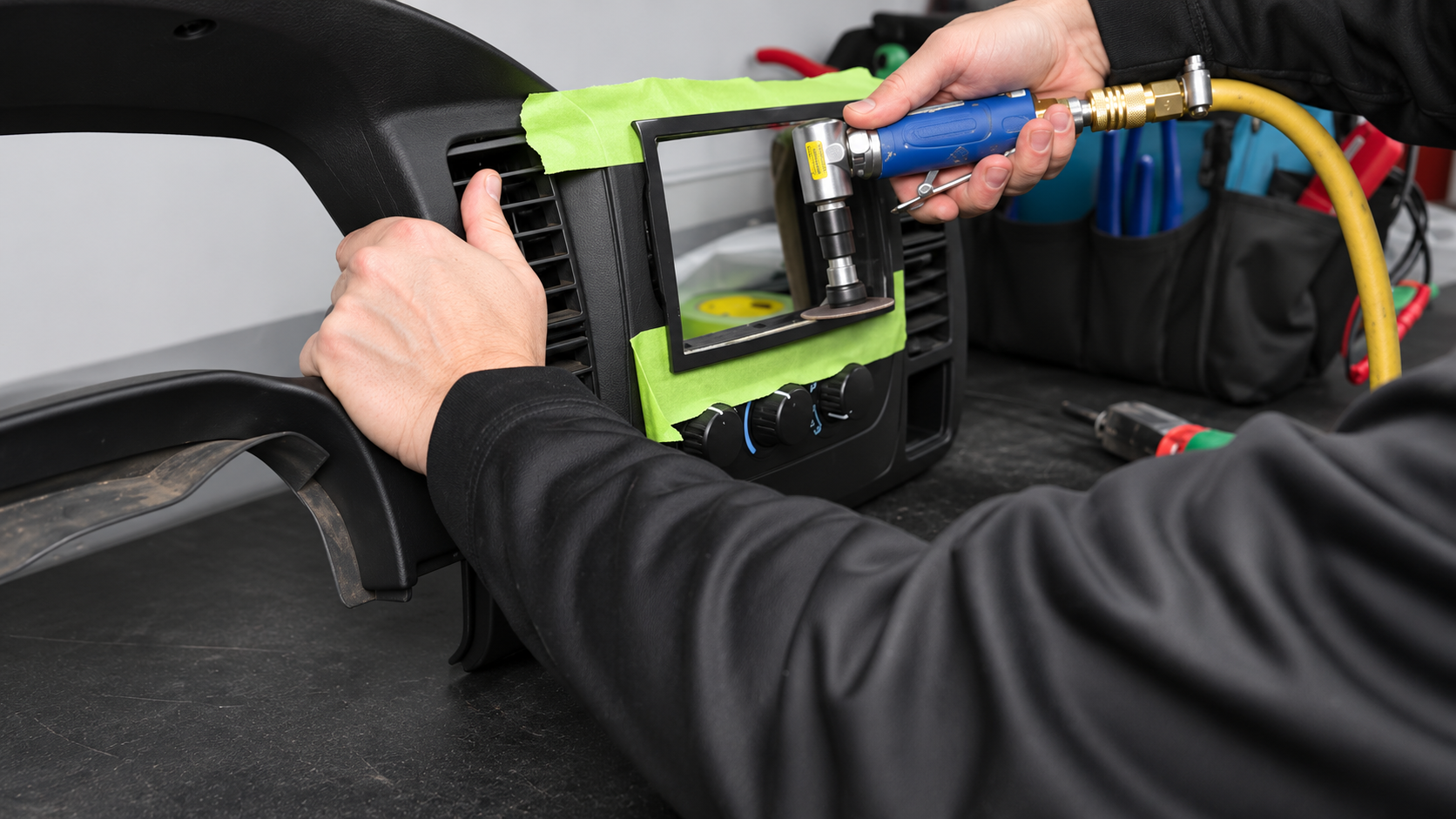
Some dashboards take more time to take apart, and some vehicles need a dash modification to fit the stereo you want. A premium sound system like Bose, Bang & Olufsen, or Fender can also require extra parts and setup. Those details affect how long the installation takes and what it costs.
When we talk about your installation, tell us which features you use and want to keep. Maybe you plug your phone into the factory USB port every day or listen to built-in satellite radio. We’ll check what works with the stereo you’re considering and explain what it takes to keep those features.